

Try Halloween costumes on your own photo
AI Halloween Costume Generator
Upload a photo, pick a costume or describe your own, and get your AI Halloween costume photo in minutes. Your face, pose and background stay the same.
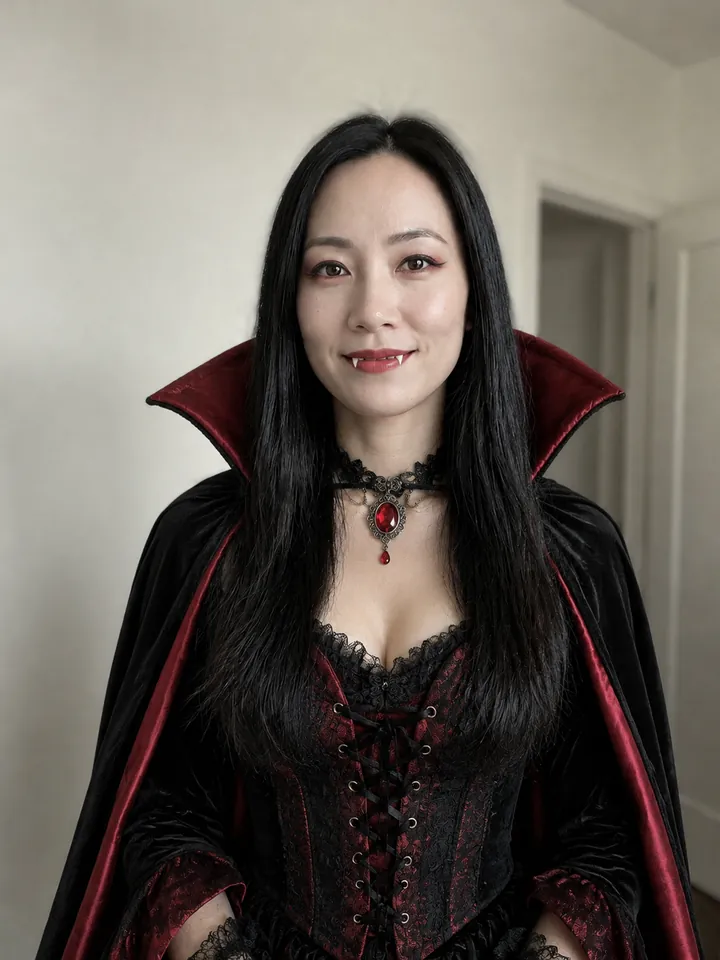
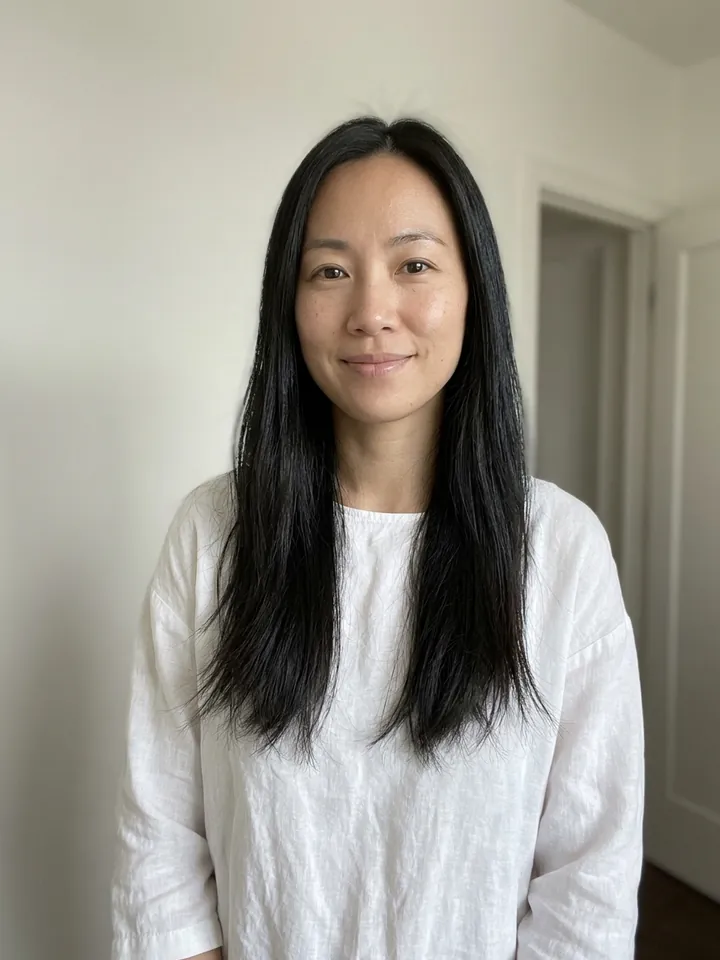
What should I be for Halloween?
12 AI Halloween Costume Ideas to Try on Your Photo
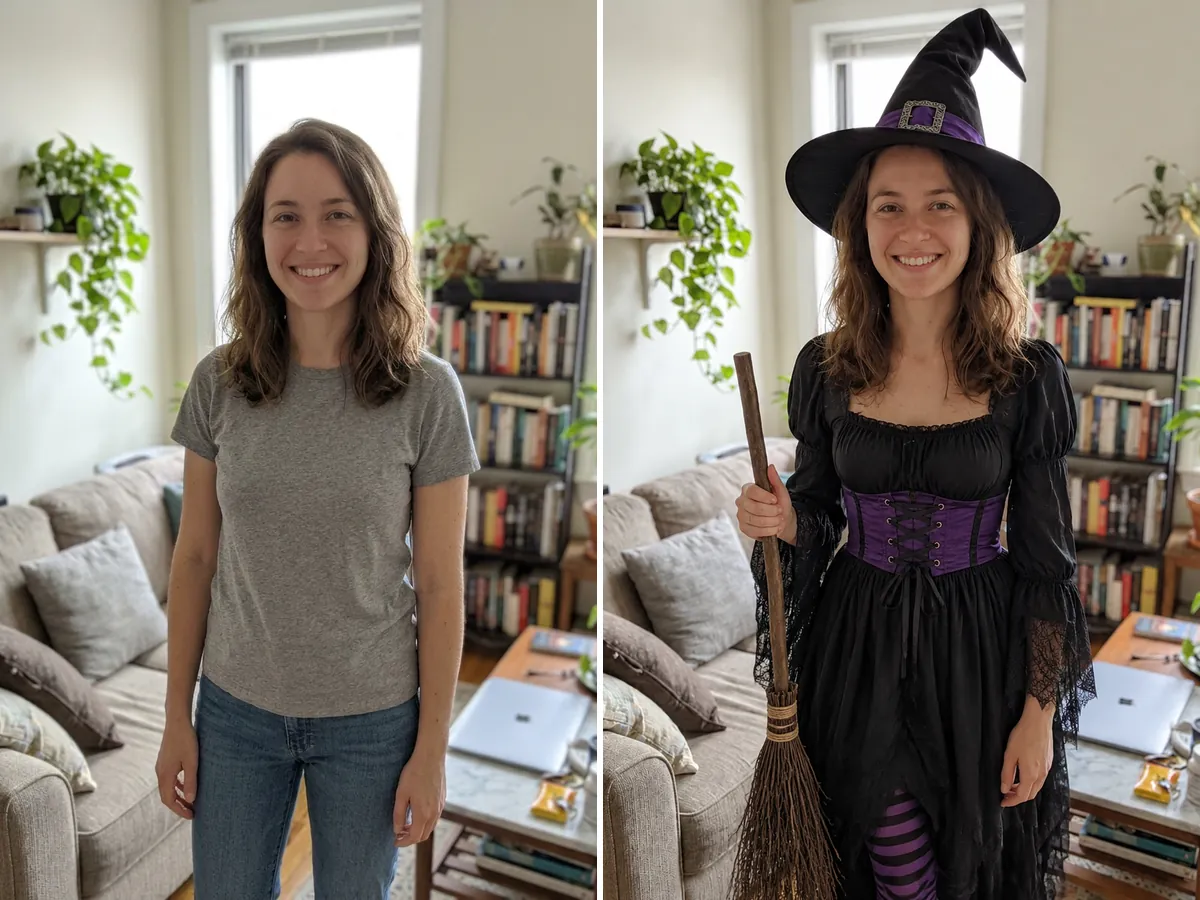
Every picture below is a real result from this generator, with the original photo in the corner. Find a costume you like, tap Try this costume, and the same costume loads into the tool above.
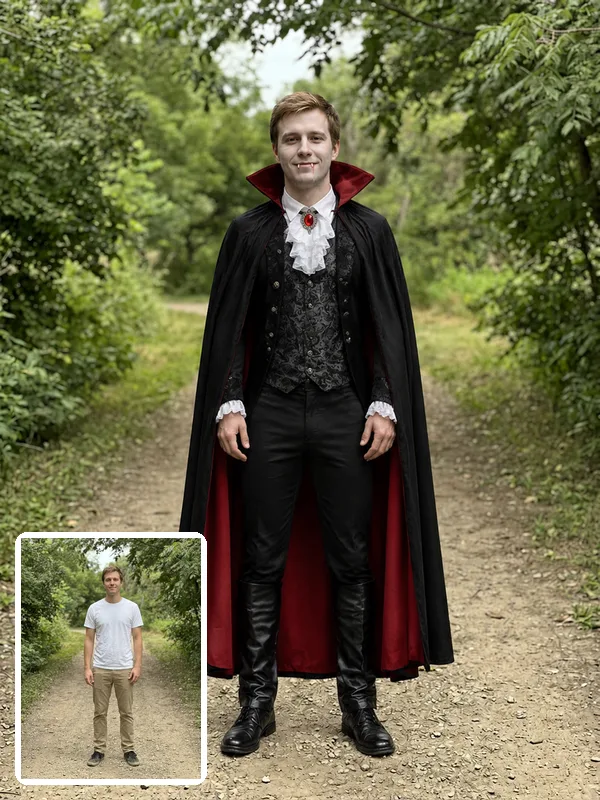
Vampire
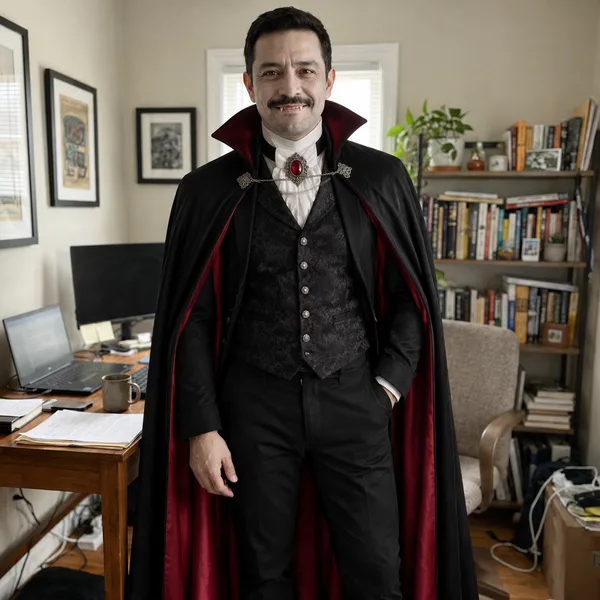
The classic that works for any age. A tall cape and pale makeup look dramatic in full body photos.
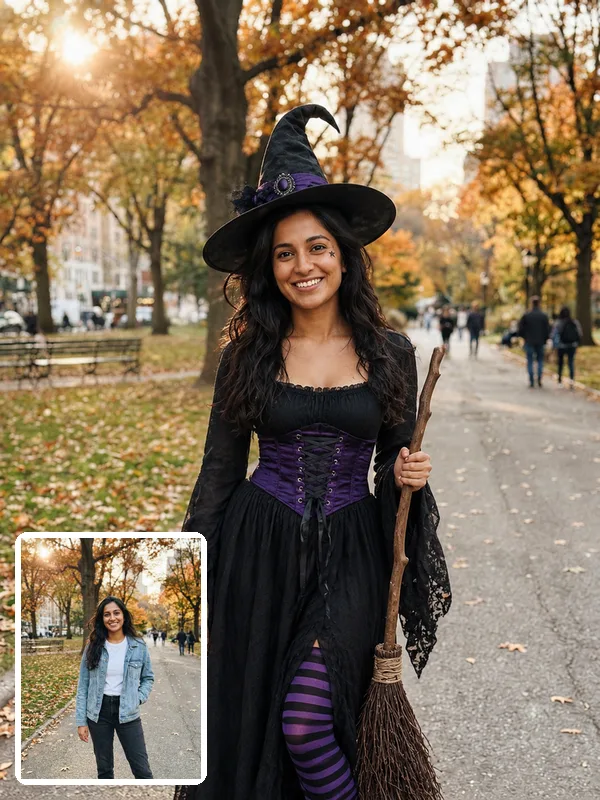
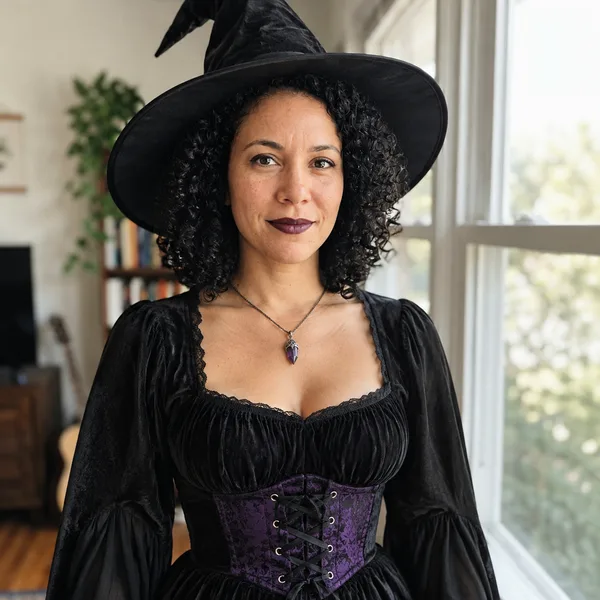
Witch
A pointed hat, a corset belt and a broom. Easy to recognize and easy to turn into a group of witches.
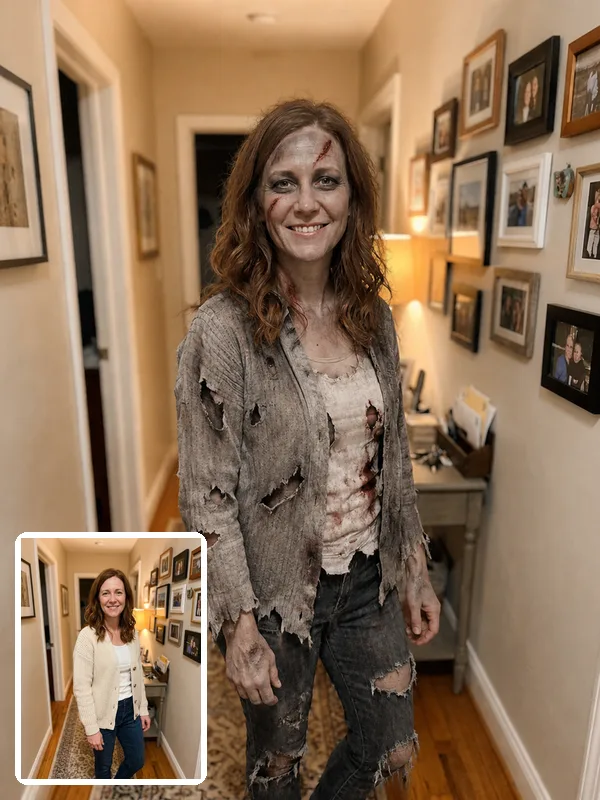
Zombie
Torn clothes and grey makeup, while your face stays clear enough for friends to know it is you.
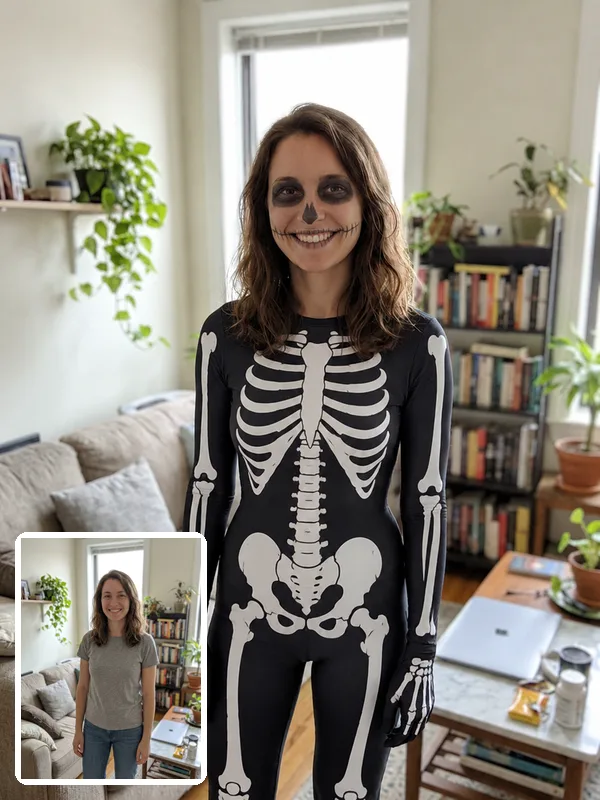
Skeleton
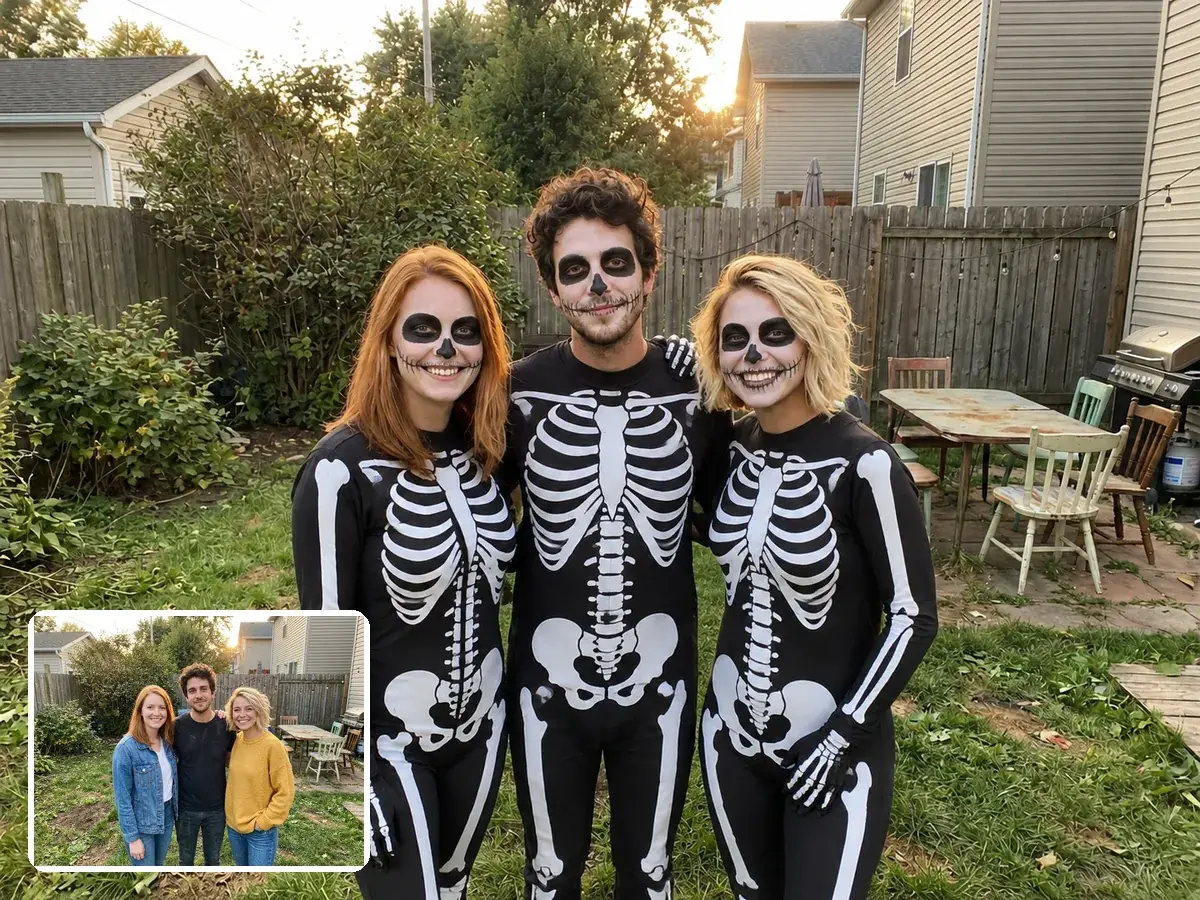
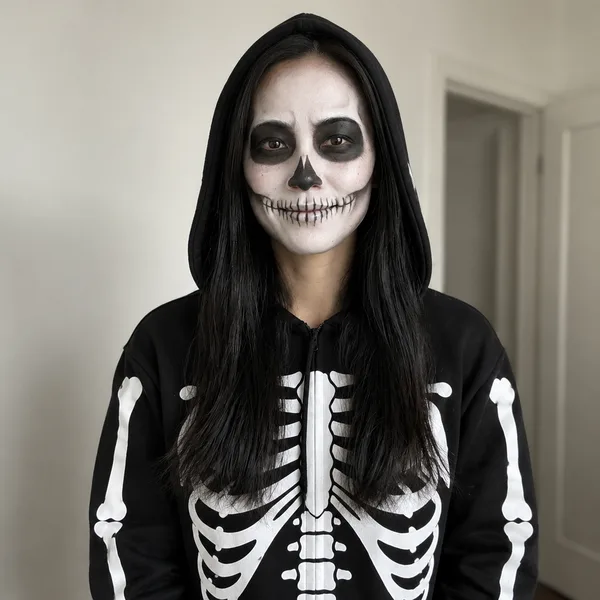
A printed bone suit with light skull face paint. Simple, spooky and great for matching groups.
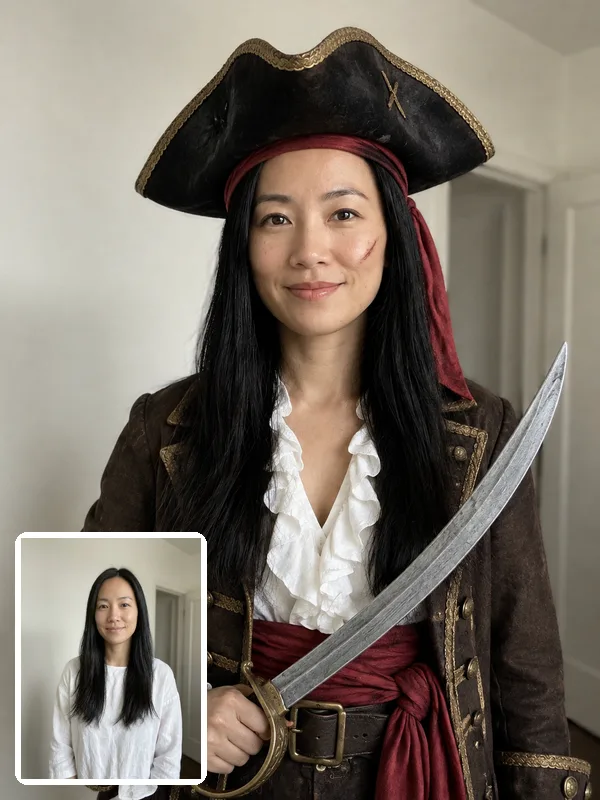
Pirate
A long coat, a tricorn hat and a toy cutlass. Fun rather than scary, and it suits every body type.
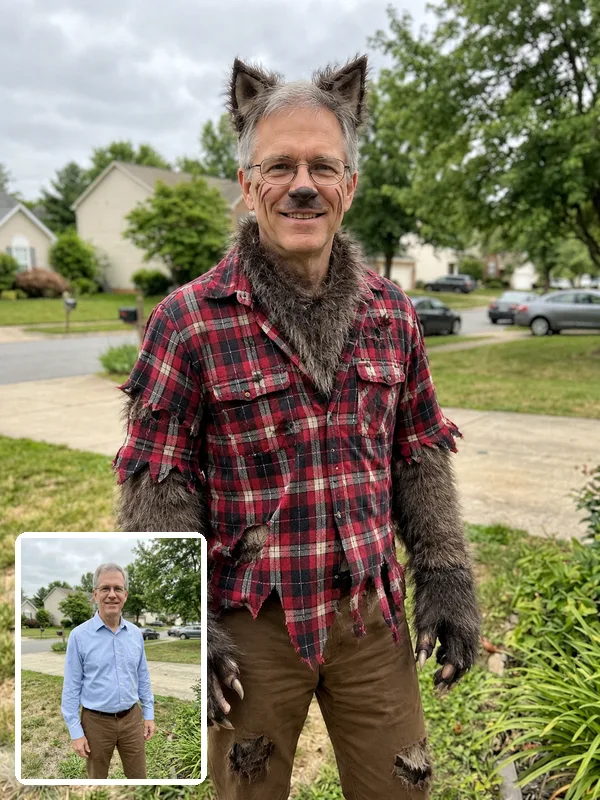
Werewolf
Fur, claws and wolf ears with your face fully visible. A favorite for dads and for couples themes.
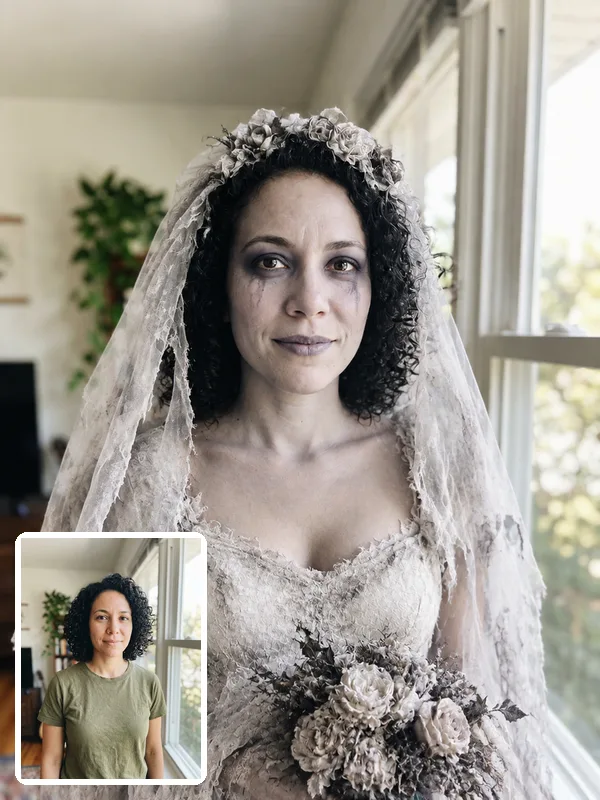
Ghost bride
A torn veil and a faded wedding dress. Elegant and creepy at the same time.
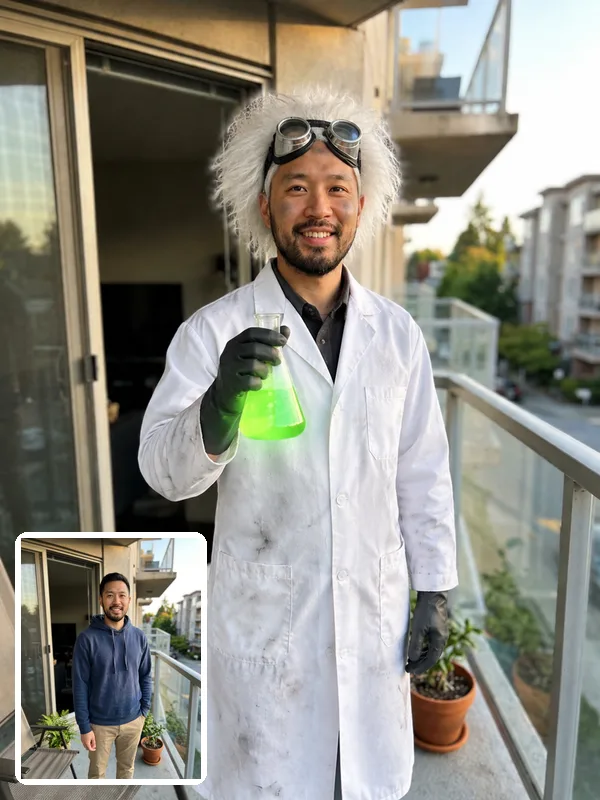
Mad scientist
A lab coat, wild white hair and a glowing flask. Funny, quick to read and perfect for the office party.
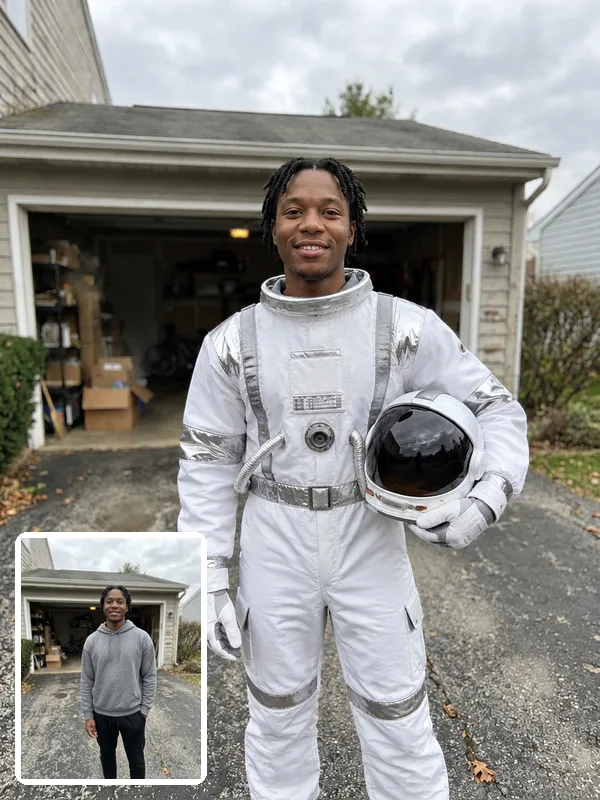
Astronaut
A white space suit with the helmet under one arm. A clean, friendly costume for people who skip gore.
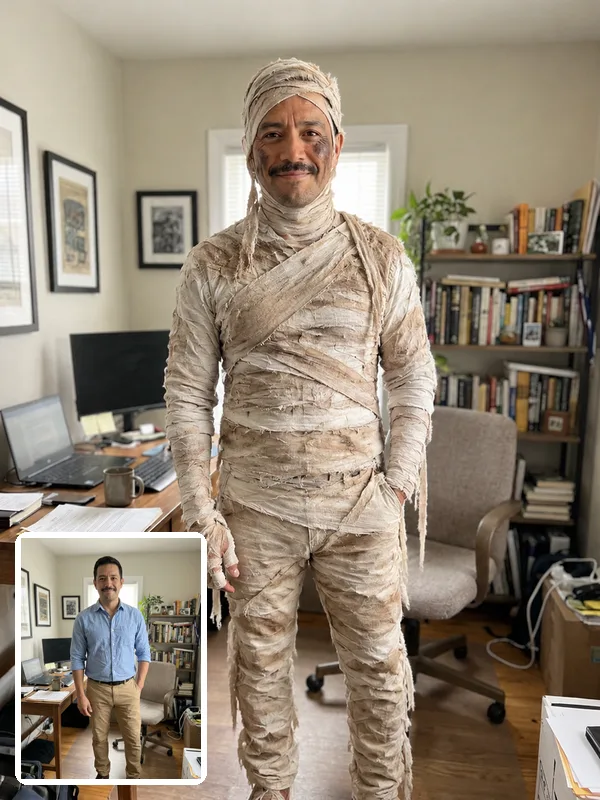
Mummy
Linen bandages from head to toe with the face left visible, so the photo still looks like you.
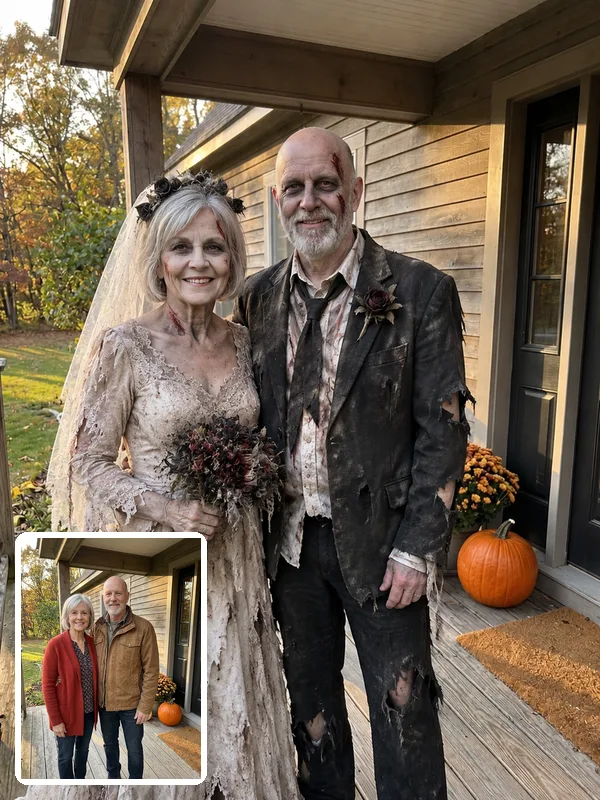
Zombie couple
A zombie bride and groom from one photo of the two of you. It works for couples of any age.
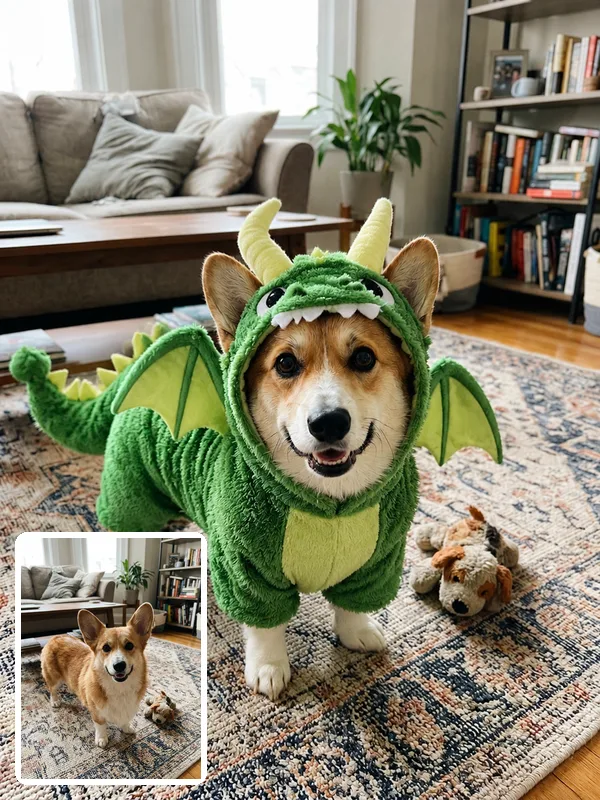
Pet dragon
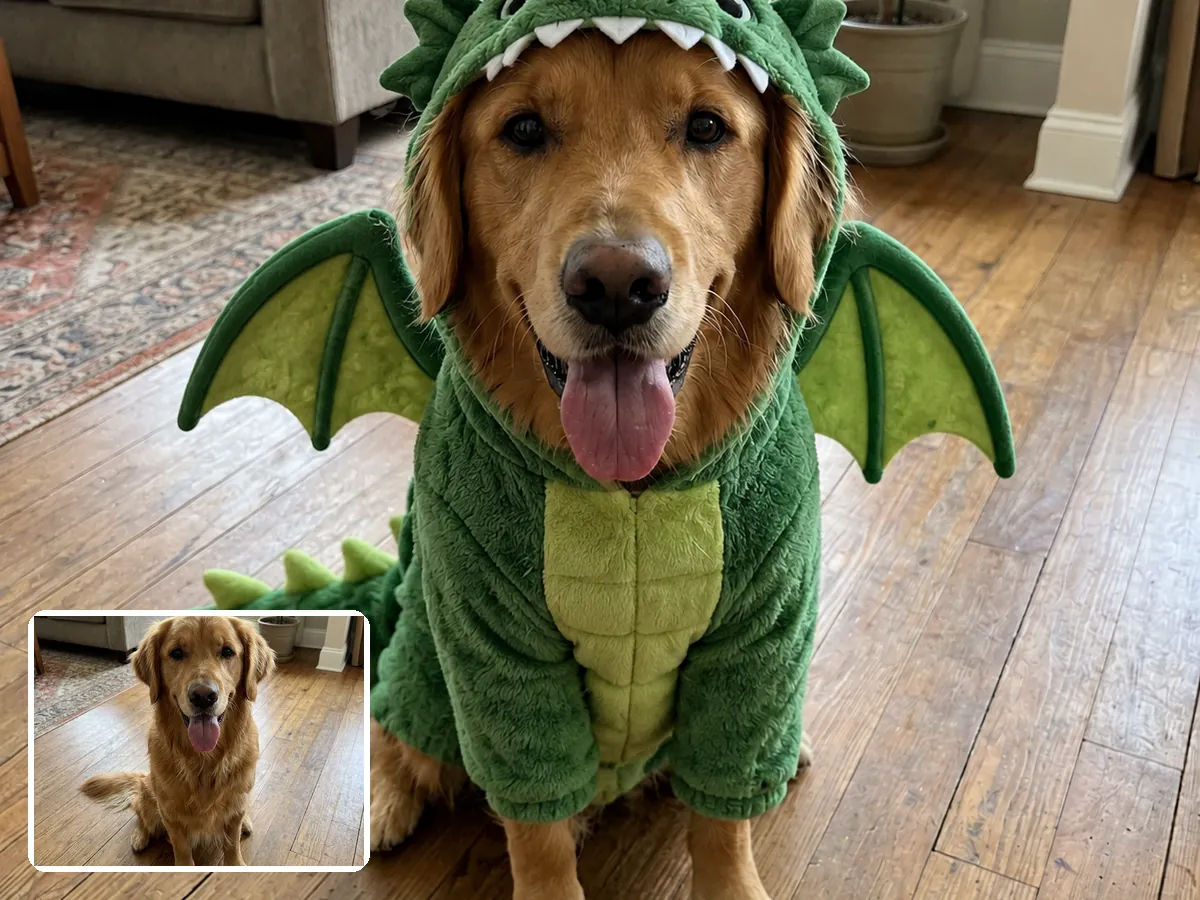
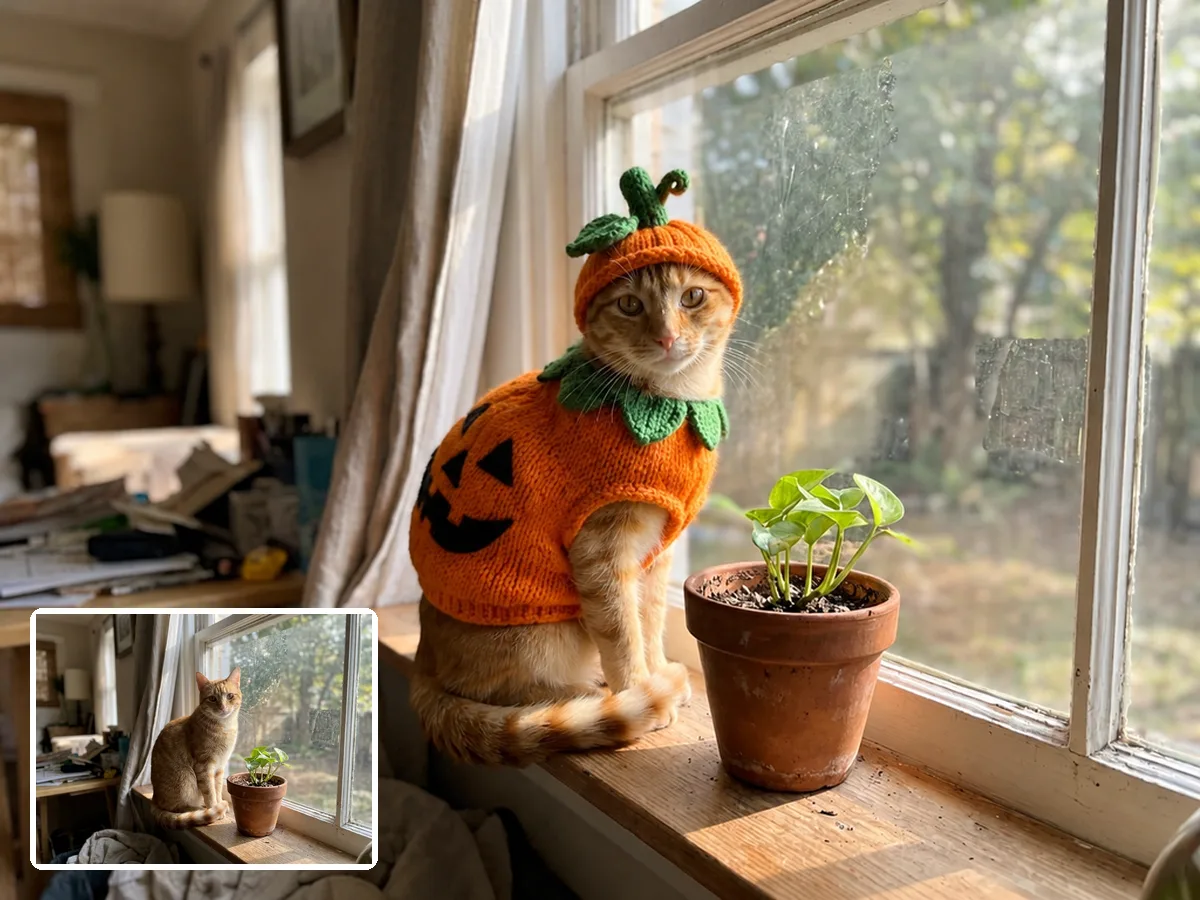
A plush dragon suit with wings and a tail. Your dog keeps its own face, fur and pose.
One photo, every costume idea
What Is an AI Halloween Costume?
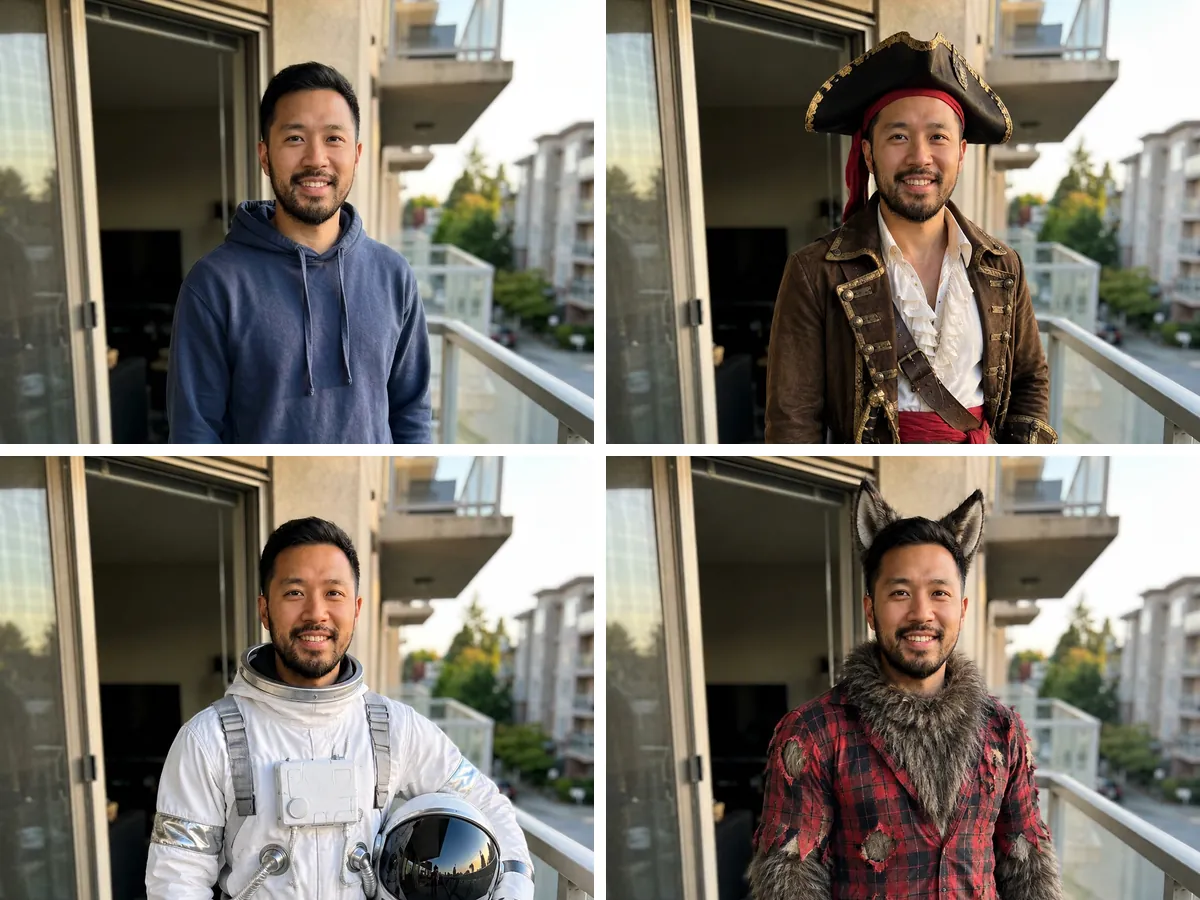
An AI Halloween costume is a photo of you dressed in a costume you never had to buy or sew. You upload a regular picture, choose a costume such as a vampire, pirate or astronaut, and AI replaces your clothes with the full costume, adds accessories and makeup, and keeps your face, hair, pose and background. Because the photo stays the same, you can put five different costumes on it and compare them side by side. It is the quickest way to decide what to be for Halloween, plan a matching costume with your partner or friends, or make a Halloween profile picture without dressing up at all.
Couples, groups, families and pets
Matching Halloween Costumes for Everyone in the Photo
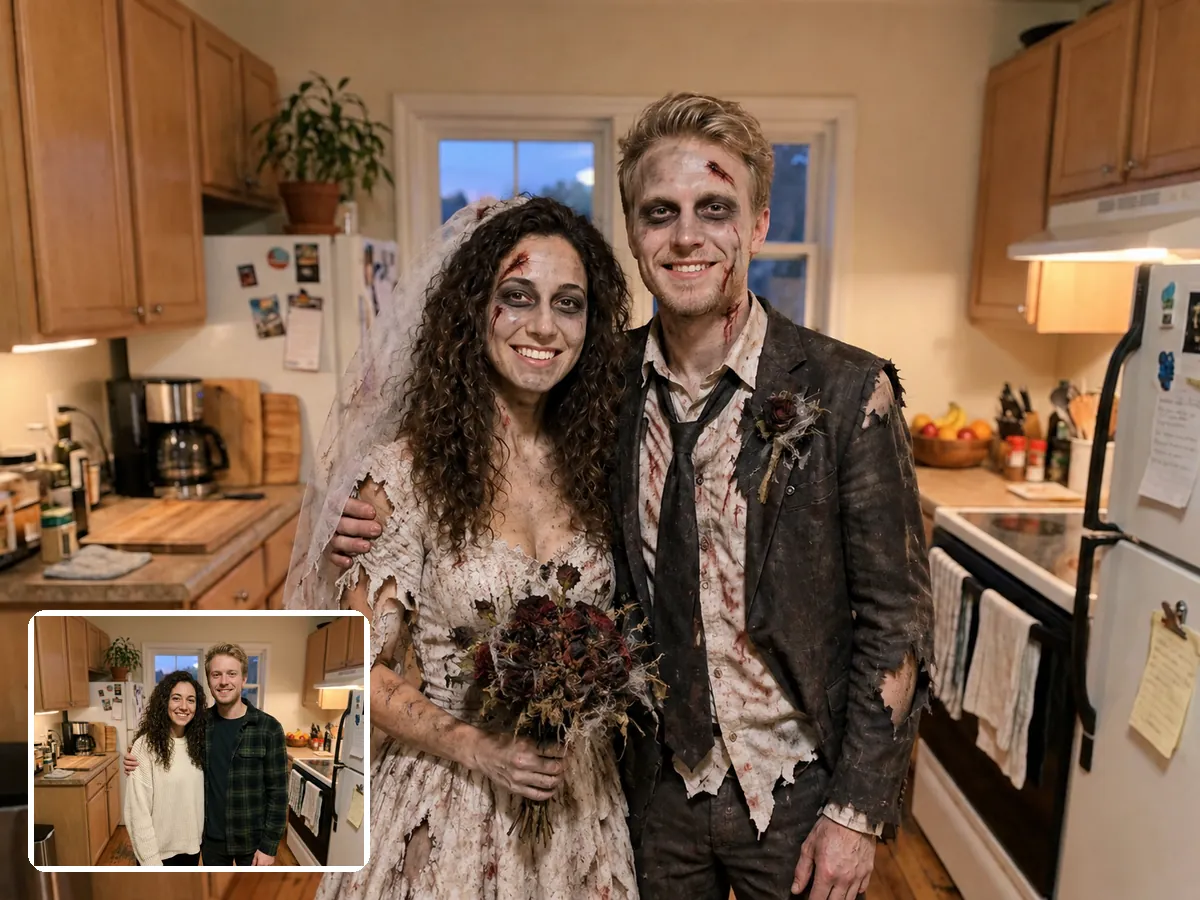
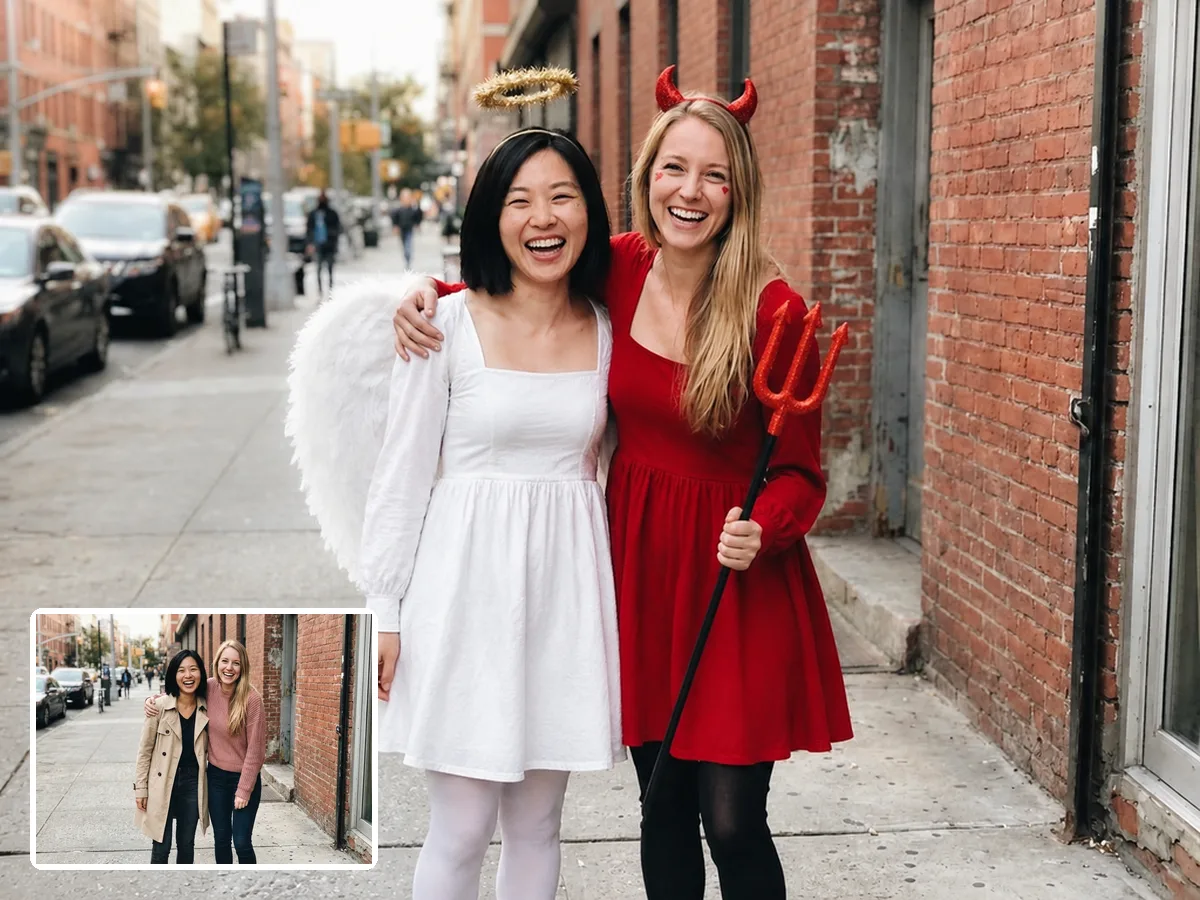
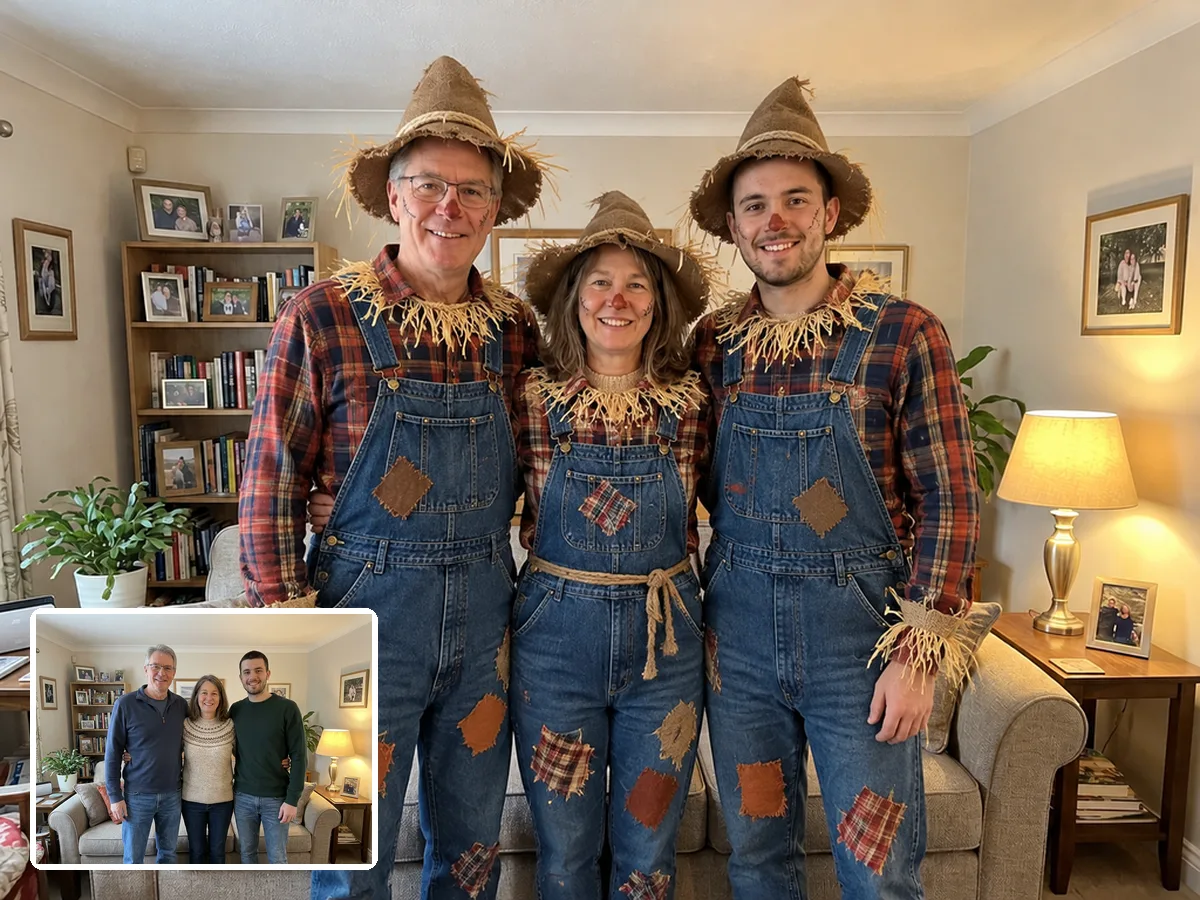
Upload one photo with everyone in it and describe one theme. The AI Halloween costume generator dresses each person, or your dog or cat, and keeps every face recognizable.
Decide what to be for Halloween
Try On a Halloween Costume Before You Buy It
Not sure a costume will suit you? Upload your photo, tap Have a costume in mind under the costume buttons, and add the product photo of the costume you are looking at. Your AI Halloween costume shows you wearing that exact design, so you can compare a few options at home before you order or head to the store. Popular costumes sell out in late October, so picking the right one first saves you a wasted order and a return. The result is a visual preview, so check the size chart for fit.
Get a result that looks like you
Which Photo Works Best for an AI Halloween Costume
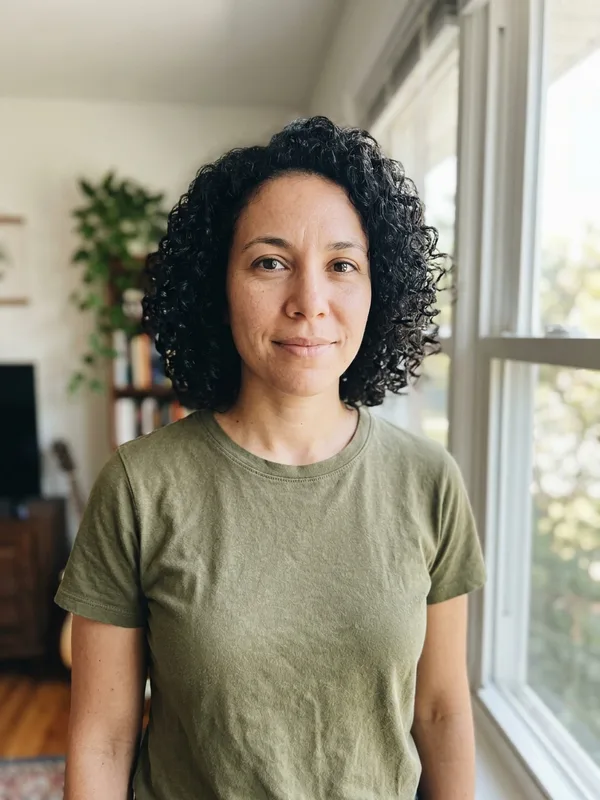
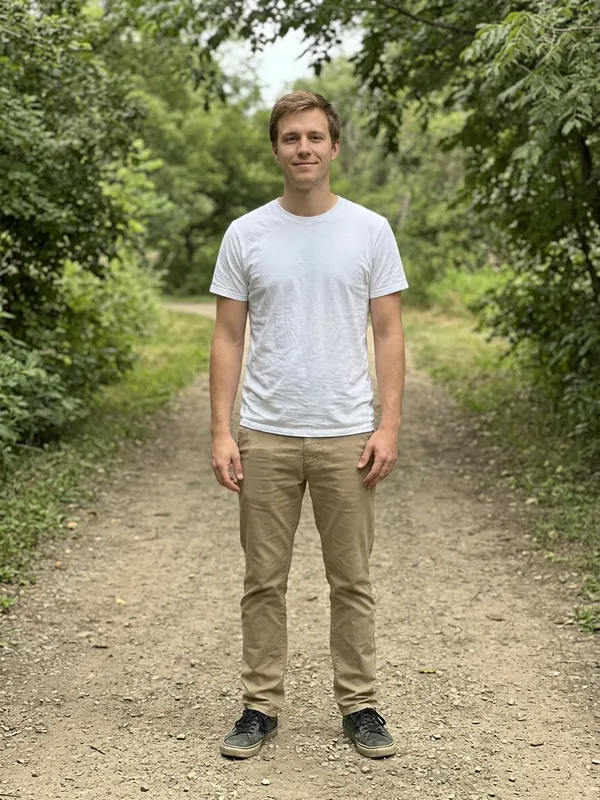
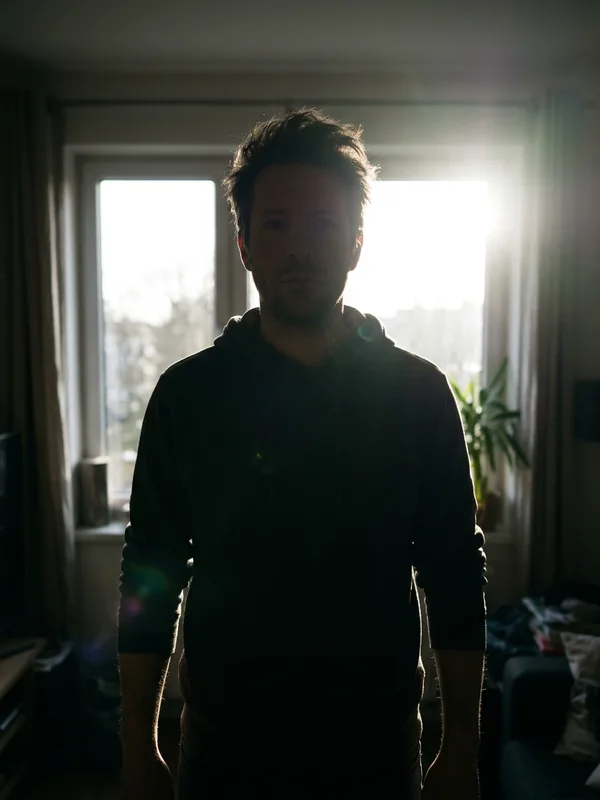
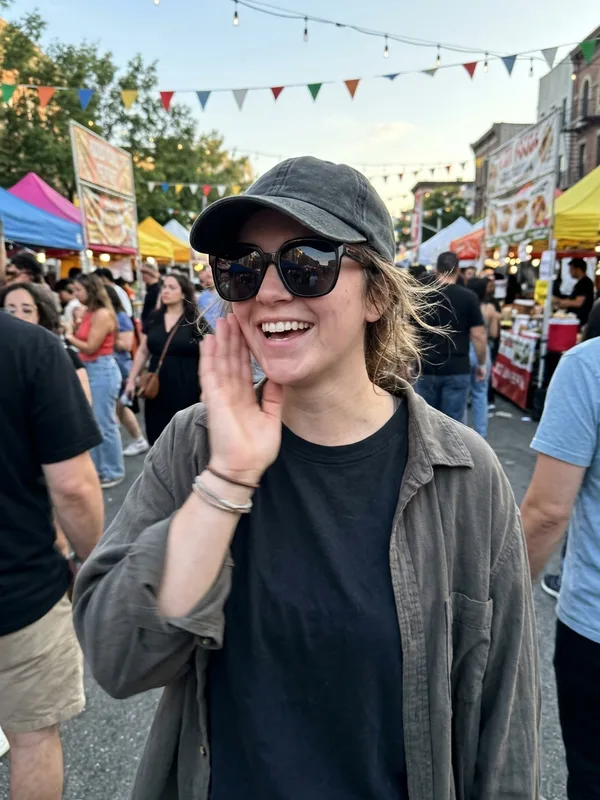
The AI keeps what it can see. A bright photo where your face and outfit are clear gives the closest likeness and the most detailed costume.
Halloween pfp
Make a Halloween Profile Picture From Your Photo
Choose the 1:1 aspect ratio before you generate and your AI Halloween costume comes out square, ready for Instagram, TikTok, Discord or your work chat. Switch back after October 31 and keep the photo for next year.
How it works
How to Make an AI Halloween Costume Photo
Three steps from a normal photo to a finished costume.
Why Use This AI Halloween Costume Generator
AI Halloween Costume FAQ
New accounts get 5 free credits. The default model uses 2 credits per costume photo, so you can make two AI Halloween costumes for free. More credits are on the pricing page.
Yes. The AI changes the clothing and adds costume details while keeping your face, hair, body, pose and background. A clear, front-facing photo gives the closest likeness.
Upload one photo and try three or four costume ideas on it, for example a vampire, a pirate and a mad scientist. Seeing the results side by side makes the choice easy, and you can send them to friends for a vote.
Yes. Upload one photo with everyone in it and describe a matching theme, such as a zombie couple or three skeletons. Everyone in the photo gets the costume.
Yes. Write who wears what in the prompt, for example "the woman on the left as an angel, the woman on the right as a devil". The AI follows the positions in the photo.
Yes. Upload a photo of your pet and pick a pet costume such as a dragon or a pumpkin. The AI keeps the fur, face and pose of your pet.
Yes. Tap Have a costume in mind under the costume buttons and add the product photo of the costume. The AI dresses you in that exact design so you can compare options. It shows the look, not the fit, so check the size chart before you order.
Most costume photos are ready within two minutes. You can leave the page while it runs and find the result in My Creations.
Yes. Choose the 1:1 aspect ratio before you generate, then download the image and set it as your profile picture on any app.
Your photo is uploaded securely and used only to create your costume. Your results are saved to your own My Creations page, so you can download them again later.
Find Your Halloween Costume in Minutes
Upload one photo and try vampire, witch, zombie or your own idea before Halloween night.